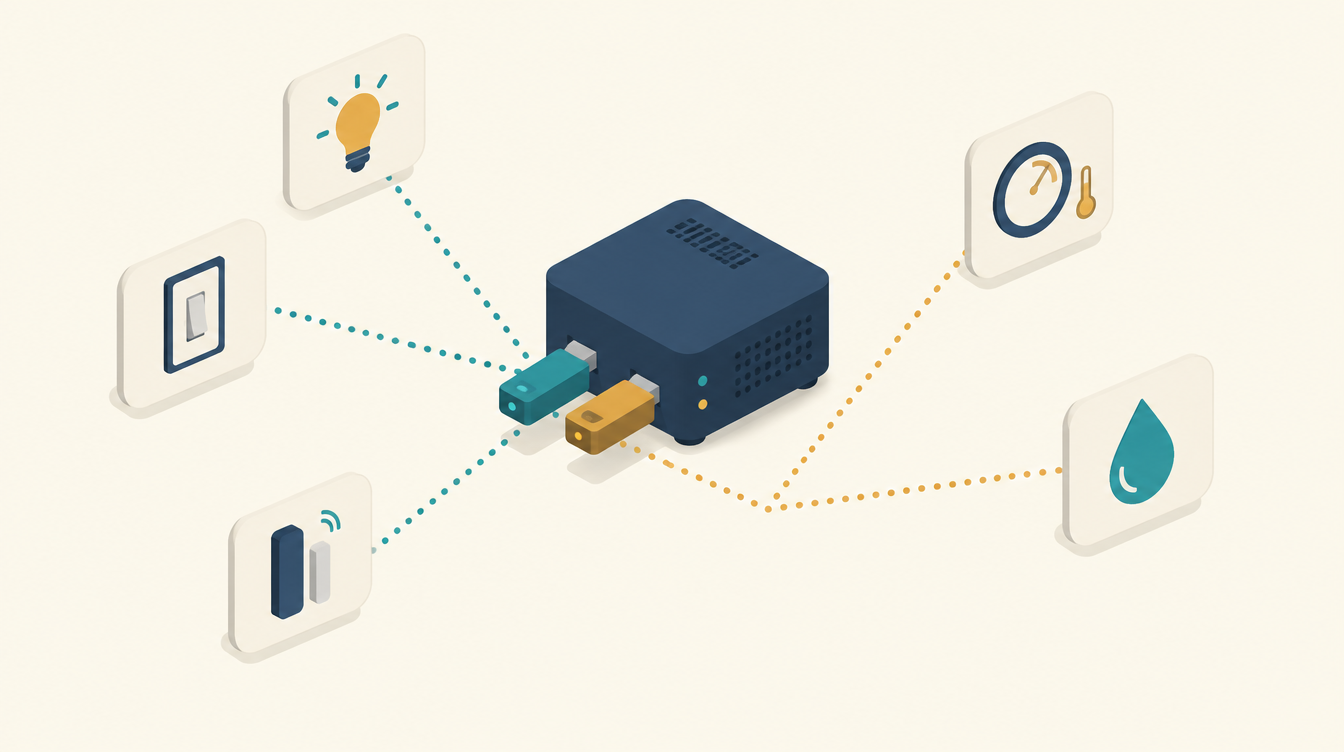
I use Z-Wave in Home Assistant alongside Zigbee. My garden irrigation runs entirely on Zigbee, with an Aeotec Zi-Stick. But I also have Z-Wave devices in the house, and they need their own stick: the Aeotec Z-Stick 7. In this post I explain why I use two protocols, which server they run on, how to get the stick working in Home Assistant and what to watch out for.
Zigbee and Z-Wave: what is the difference?
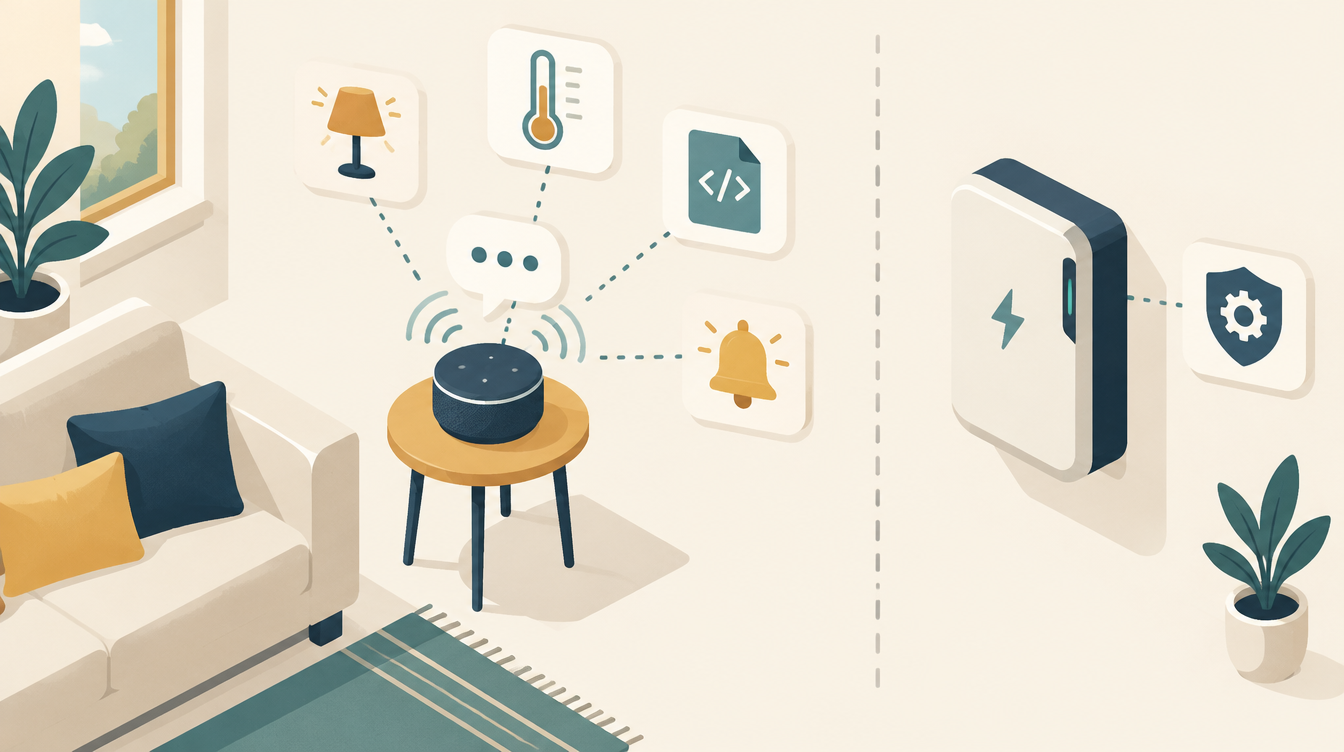
Both are wireless protocols for smart devices. Both build a mesh network: mains-powered devices pass signals on, so the range grows with every device you add. Still, there are a few important differences:
- Frequency. Zigbee runs on 2.4 GHz, just like Wi-Fi and Bluetooth. In Europe, Z-Wave runs on 868 MHz. That means Z-Wave is not bothered by your Wi-Fi and gets through walls and floors better.
- Choice and price. There are lots of Zigbee devices and they are often cheap. Z-Wave devices are more expensive, but they are certified, so they always work together.
- Own stick. Each protocol needs its own coordinator. A Zigbee stick does not speak Z-Wave and vice versa. That is why I have two sticks connected to my Home Assistant server.
So it is not a matter of choosing one. For each device I use the protocol that fits best, and Home Assistant brings everything together.
A good example of using both together: an alarm system with Home Assistant, with cheap Zigbee window contacts and a Z-Wave siren in one central system.
My first Z-Wave devices came from Fibaro. How they moved from the Home Center to this stick is in from Fibaro to Home Assistant.
The server: a MeLE Quieter 4C
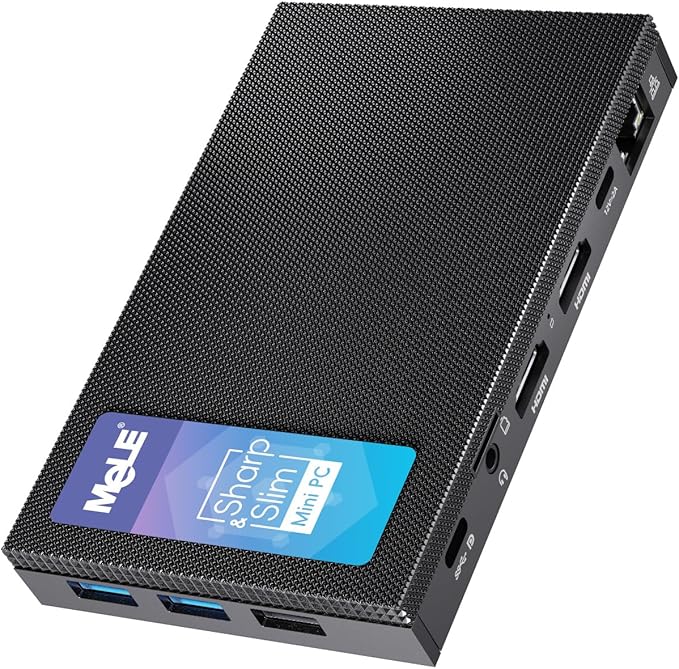
My Home Assistant runs on a MeLE Quieter 4C. It is a small mini PC without a fan. For a server that is on day and night, I find that important: it makes no noise and there is no fan to collect dust or break down.
- 4 cores and 8 GB of memory. Plenty for Home Assistant with add-ons such as Z-Wave JS.
- 128 GB eMMC and an M.2 slot. The M.2 slot (PCIe) takes an NVMe SSD. I recommend it: the Home Assistant database writes constantly, and an SSD handles that better than eMMC.
- Gigabit Ethernet. A server belongs on a cable, not on Wi-Fi.
- 12 V power supply of 2 A. So it can never use more than 24 W, and in practice a lot less. That adds up when it is on all year.
How to install Home Assistant OS on a mini PC like this, and how to set up a proper backup straight away, is in Installing Home Assistant on a mini PC.
What is connected to the server
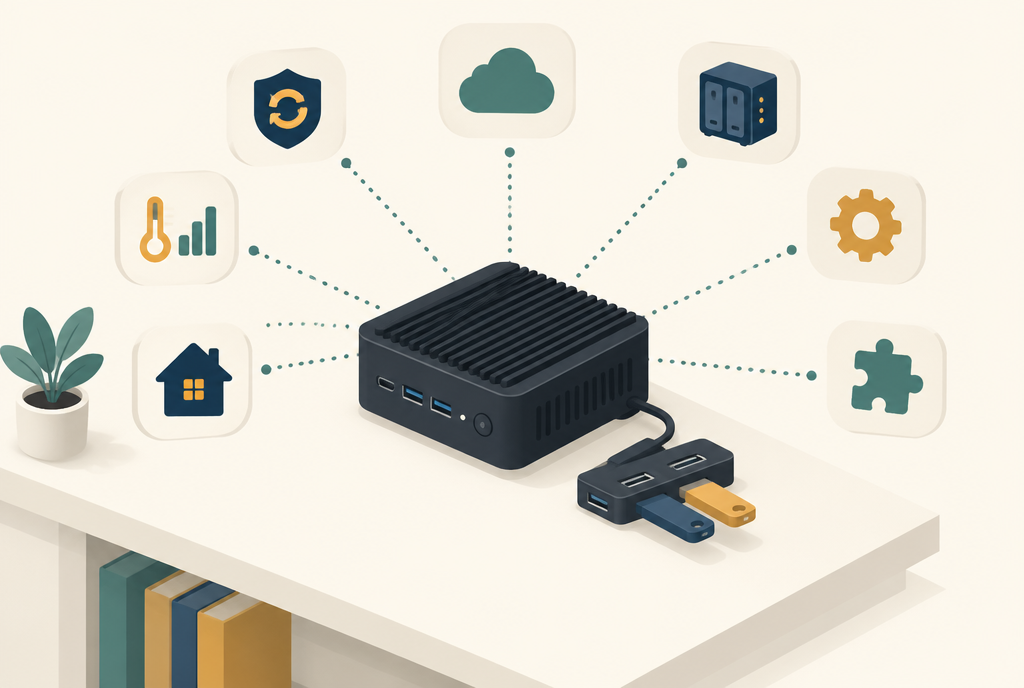
The sticks are not plugged directly into the mini PC, but into a UGREEN USB hub with a cable. The hub works as an extension cable: the sticks hang a little way from the PC, and I have enough ports for anything I add later.
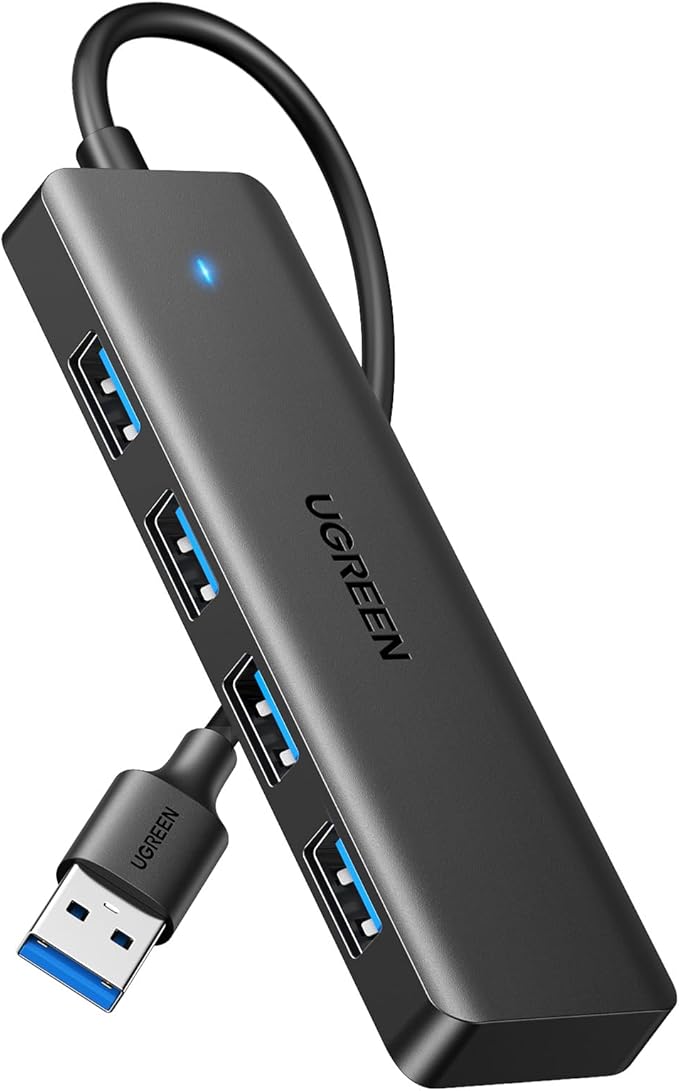
Four USB devices are connected to the server:
- Aeotec Zi-Stick for Zigbee.
- Aeotec Z-Stick 7 for Z-Wave.
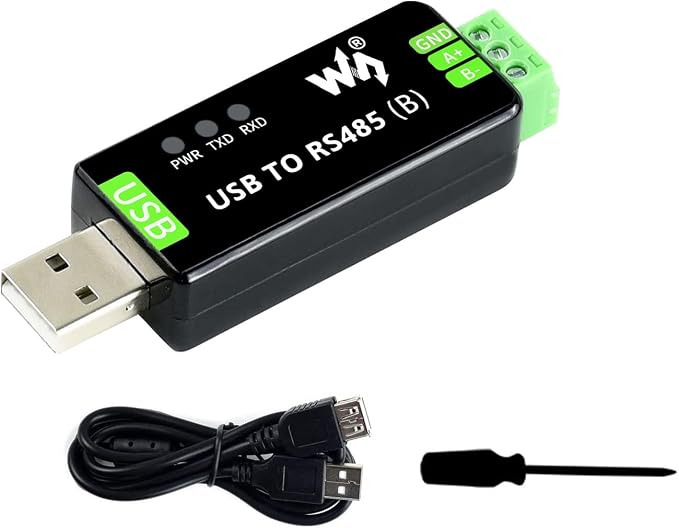
- Two Waveshare USB to RS485 adapters for Modbus: one for the Deye inverter, one for the LG heat pump. RS485 is not radio, but a wired connection with two wires (A+ and B−). Why each bus needs its own adapter is explained in Errno 11: exclusively lock port.
One caveat: this is a USB 3 hub, and USB 3 itself can cause interference on 2.4 GHz. If you notice that Zigbee devices are hard to reach, move the Zi-Stick a little way from the hub with an extra USB 2 extension cable.
The Aeotec Z-Stick 7
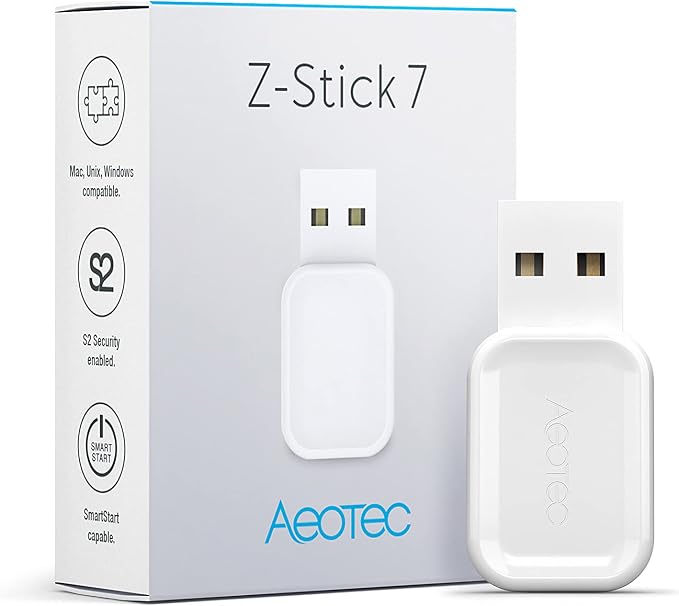
The Aeotec Z-Stick 7 is a USB stick with a 700 series Z-Wave chip. It supports Z-Wave Plus V2, S2 security and SmartStart. With SmartStart you add a device by scanning the QR code on it.
Check the frequency when you buy one. Z-Wave uses a different frequency per region. In the Netherlands (and the rest of Europe) you need the EU version (868 MHz), and your devices must be the EU version too.
And the Zigbee side: the Aeotec Zi-Stick
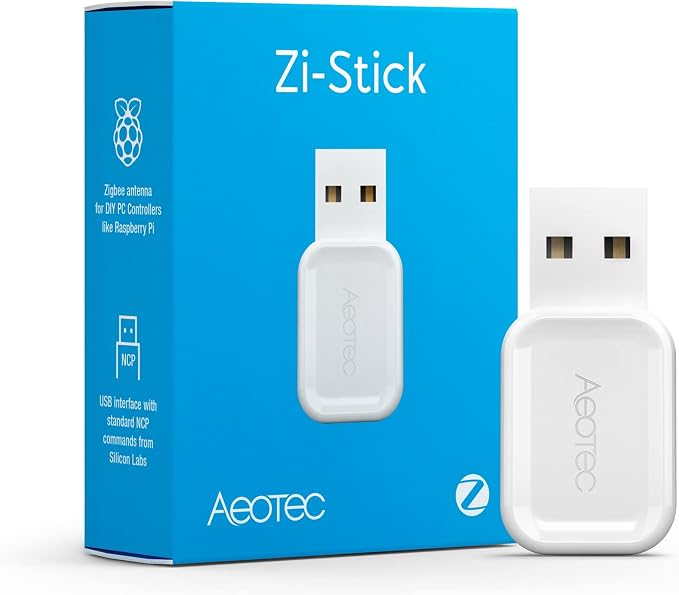
The Aeotec Zi-Stick looks almost the same from the outside, but only does Zigbee. It works with the built-in Zigbee integration (ZHA) and with Zigbee2MQTT. How I use it for my garden is described in the post about smart irrigation.
Setting up Z-Wave in Home Assistant
Home Assistant uses the Z-Wave JS integration. In short:
- Plug the stick into the server or into a hub with a cable, not directly next to the Zigbee stick.
- Home Assistant usually detects the stick by itself and offers to set up Z-Wave JS. If it does not, add the integration via Settings → Devices & services.
- During installation, security keys are generated. Keep them safe. You need them if you ever move to a new server or stick. Without the keys you have to re-pair all secure devices.
- Add devices via Add device. Choose S2 security where possible and enter the PIN or DSK printed on the device or in the manual.
Tips from practice
- Use fixed device names. With four USB devices on one server, two of them identical, the order can change after a restart. So in Home Assistant always choose the path under
/dev/serial/by-id/instead of/dev/ttyUSB0. - Update the firmware. The early firmware of 700 series sticks had known issues. With recent firmware the network runs a lot more stably. You can update via Z-Wave JS.
- Exclude first, then re-pair. A device that was once part of another network must be excluded first (exclusion). Otherwise it refuses to pair.
- Make a backup. Include the Z-Wave JS configuration and the security keys in your Home Assistant backups.
What I use
- MeLE Quieter 4C mini PC: view on Amazon. My Home Assistant server: quiet, fanless, with 8 GB of memory and an M.2 slot for an SSD.
- UGREEN 4-port USB hub: view on Amazon. Keeps the sticks a little way from the PC.
- Aeotec Z-Stick 7 (Z-Wave USB stick): view on Amazon. The Z-Wave coordinator.
- Aeotec Zi-Stick (Zigbee USB stick): view on Amazon. For all my Zigbee devices, such as the irrigation timers.
- 2× Waveshare USB to RS485 adapter: view on Amazon. One for the Deye inverter, one for the LG heat pump, both via Modbus RTU.
This article contains affiliate links. As an Amazon Associate I earn from qualifying purchases. The price stays the same for you.
This works in my situation: a MeLE Quieter 4C with a UGREEN USB hub, an Aeotec Z-Stick 7, an Aeotec Zi-Stick, two Waveshare RS485 adapters and Home Assistant. Menus, firmware versions and the behaviour of your own devices may differ. Check it against your own documentation.

Leave a Reply