
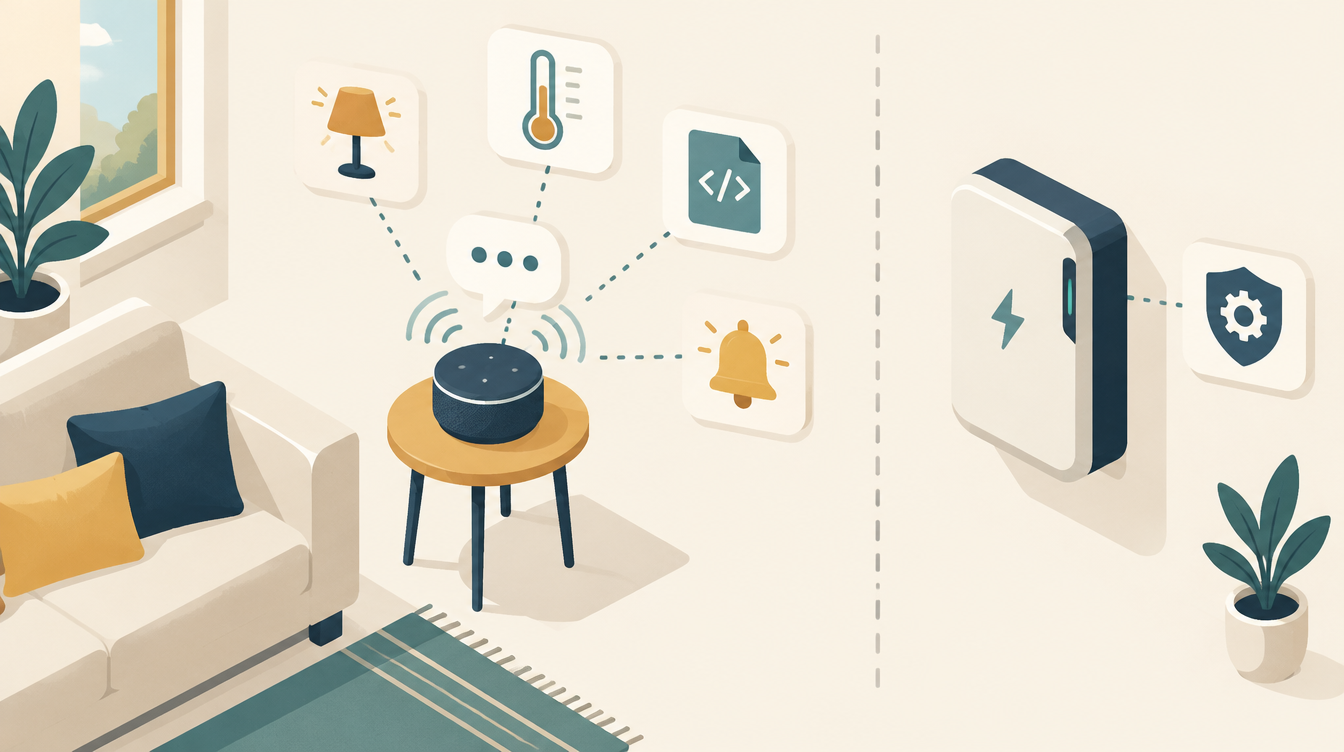
Home Assistant has a built-in voice assistant, Assist. By default it works with fixed sentences. Connect a large language model to it, such as Claude AI, and suddenly you can ask loose, natural questions. “Turn the heating in the living room down a degree if nobody is home”, instead of an exact command sentence. In this article you will read what Claude AI in Home Assistant delivers in practice, how to set it up, and where the limits are.
A practical overview, without the hype. For the energy control on this site (EMHASS, the Deye inverter, the heat pump) I deliberately do not use AI. That stays deterministic, with fixed rules. You can read why at the end.
What the Anthropic integration does
Home Assistant has an official Anthropic integration. It adds Claude as a conversation agent: an alternative to Assist’s standard language processing. You also get an AI Task entity, which lets Claude write or summarise in automations.
You need an API key from Anthropic. It is a paid service: you pay per use. On the page with exposed entities, you decide yourself which devices and sensors Claude may see and control.
You use it in three ways:
- In an Assist pipeline. You ask a question by voice or text, and Claude processes it. That works in the web interface, in the Companion app on your phone, and by voice via a satellite such as the Voice Preview Edition.
- In the Home Assistant interface. Set Claude’s AI Task entity as the default under Settings → System → AI. Then blueprints and the “Suggest with AI” button in various places in the interface use Claude.
- In automations and scripts. With
conversation.processyou send a question to Claude, withai_task.generate_datayou have it create text or structured data, for example a readable summary for a notification.
What it adds compared to the standard Assist
The built-in Assist works well for fixed commands (“turn on the kitchen light”). But it quickly stumbles over a different wording, over implicit context, or over a question that needs an explanation: “why is the heating still on while nobody is home?” A language model such as Claude:
- understands more loosely worded sentences and synonyms, without you having to teach it exact commands;
- can combine several steps in one request;
- can explain how your house is doing, not just carry out commands;
- can help write automations: you describe in plain language what you want, and the model turns it into YAML that you then check yourself.
You do not do that last point through the voice assistant in Home Assistant itself. The conversation agent controls entities, but does not create automations. For writing, you use Claude in the chat or in an editor, and paste the result into Home Assistant. Internationally there are already community projects that let Claude work directly with Home Assistant via MCP. Little has been written about it in Dutch yet, even though it removes a big hurdle for anyone who struggles with YAML.
How I do that myself, with packages, tests and dashboards in YAML, is described step by step in How I use Claude for Home Assistant.
What I noticed with my own voice assistant applies here just as much: clear names and aliases for your entities make more difference than which language model you choose. A model that has to guess switch.sonoff_10023ab is gambling. More on that in my experiences with the Voice Preview Edition with Gemini and ChatGPT.
How to get started with Claude AI in Home Assistant
- Create an API key in the Anthropic Console. To do that, you first need to activate billing with a credit card.
- Add the integration via Settings → Devices & services → Add integration. Search for “Anthropic” and enter the API key.
- Choose the options. Turn on Control Home Assistant if Claude may control devices. In the instructions you can define how Claude answers, for example “short and in English”.
- Expose the entities via the voice assistant settings. Deliberately start small, for example only lighting and climate, and give them clear aliases.
- Choose Claude as the conversation agent in an Assist pipeline, or create a separate pipeline for it.
- Test with a few natural questions before you use it more widely.
A tip for the costs: under Caching strategy, “System prompt” is a good choice for short conversations, such as turning on a light or asking for the temperature.
Example: a readable morning notification
A good start is something that only reads and controls nothing. This automation has Claude write a short summary every morning and sends it to your phone. Replace the sensor names and the AI Task entity with your own.
automation:
  - alias: "Morning notification with Claude"
    triggers:
      - trigger: time
        at: "07:00:00"
    actions:
      - action: ai_task.generate_data
        data:
          task_name: ochtendmelding
          entity_id: ai_task.claude_ai_task
          instructions: >
            Write in two short English sentences how the house is doing.
            Battery: {{ states('sensor.batterij_soc') }} %.
            Solar forecast today: {{ states('sensor.pv_prognose_vandaag') }} kWh.
            Indoors: {{ states('sensor.binnentemperatuur') }} °C.
        response_variable: samenvatting
      - action: notify.mobile_app_telefoon
        data:
          title: "Good morning"
          message: "{{ samenvatting.data }}"
If it goes wrong for once, you get a strange sentence in your notification. Nothing switches on or off. That is exactly the kind of task a language model is good at.
Where the limits are
- It is a paid service. Every question costs money via the Anthropic API. For the occasional question that is very little. If you use it as the permanent voice assistant for the whole house, it adds up. Keep an eye on the costs in the Anthropic Console.
- The model can say it is doing something without it happening. According to the documentation, this happens when the answer is cut off because the maximum number of tokens is set too low. Increase that value if you see it, and check the result for important actions.
- No sentence triggers. The integration does not work with sentence triggers, your own fixed sentences that start an automation.
- Dependent on the internet and the API. If the connection drops, the conversation and AI Task entities become unavailable.
- No replacement for deterministic control. A language model interprets, and just like a person it can get it wrong now and then. For anything where a wrong interpretation causes a problem, you want fixed rules that are predictable. Think of a battery that discharges at the wrong time, or a heat pump that does not kick in on a cold day.
Why my energy control works without AI
That last point is exactly why the energy control on this site deliberately works without AI. EMHASS, the translation layer to the Deye inverter and the heat pump control must do exactly the same thing every time with the same input. With no room for interpretation.
How that control is built instead, with fixed rules, dead zones and a safe mode, you can read in EMHASS and Deye and Heat pump via Modbus. Even simple sun shading already calls for hysteresis and a separate safety layer; that is not something you want to leave to a language model.
Where AI does have a good place
- free, natural questions about the status of your house;
- help with writing and debugging automations;
- summaries and notifications in readable language, instead of raw sensor values;
- comfort settings where the occasional miss is not a problem.
In summary
Adding Claude to Home Assistant is mainly valuable for conversation and convenience: talking to your house more naturally, and setting up automations faster without knowing YAML by heart. For critical, continuous control, such as a battery or heat pump that has to respond to prices and power, a deterministic system remains the better choice. Combining the two works fine: AI for the conversation and the building, fixed logic for the execution.
What I use
- Home Assistant Voice Preview Edition: the voice satellite that lets you use Assist with your voice.
- MeLE Quieter 4C mini PC: this runs my Home Assistant.
This article contains affiliate links. As an Amazon Associate I earn from qualifying purchases. The price stays the same for you.
This works in my situation: this article describes Home Assistant’s official Anthropic integration based on the documentation, alongside my own experience with voice assistants. Costs, models and features may change. Check it against your own documentation: the current terms in the Anthropic Console and the Home Assistant documentation. Status: October 2026.

Leave a Reply