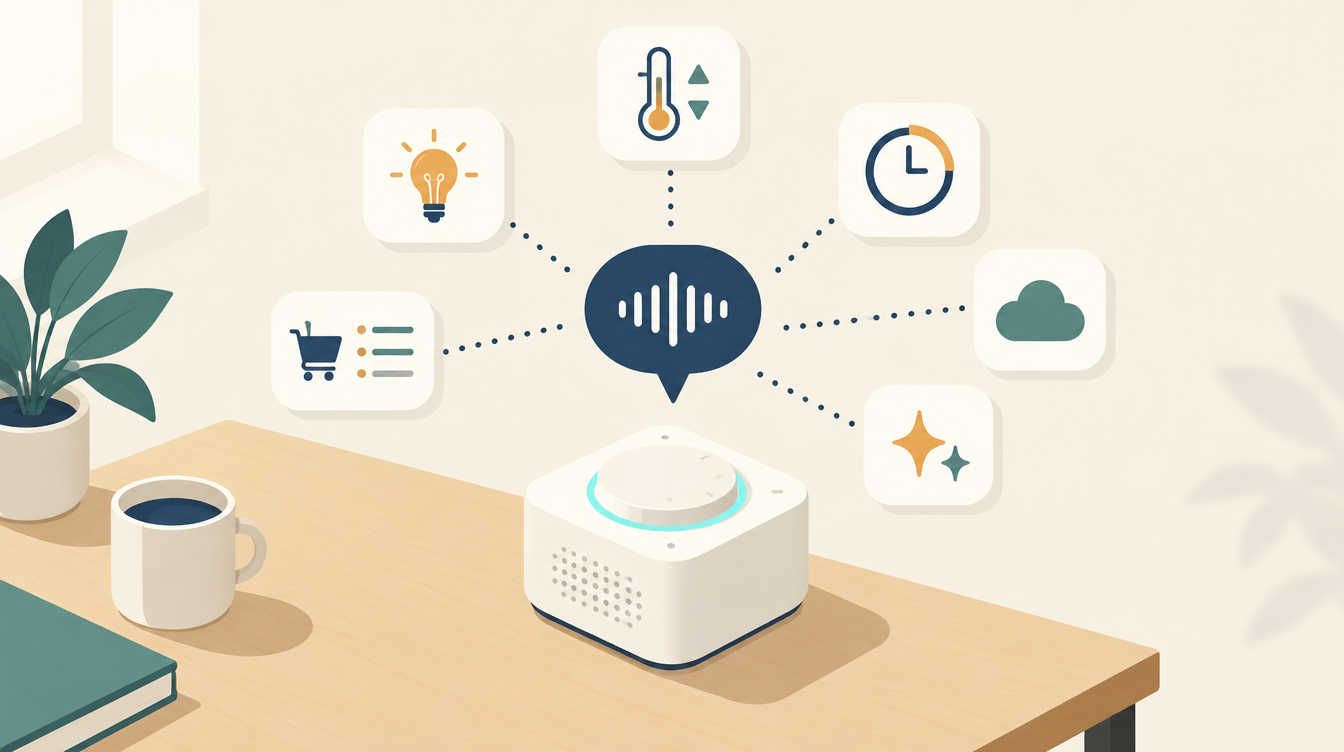
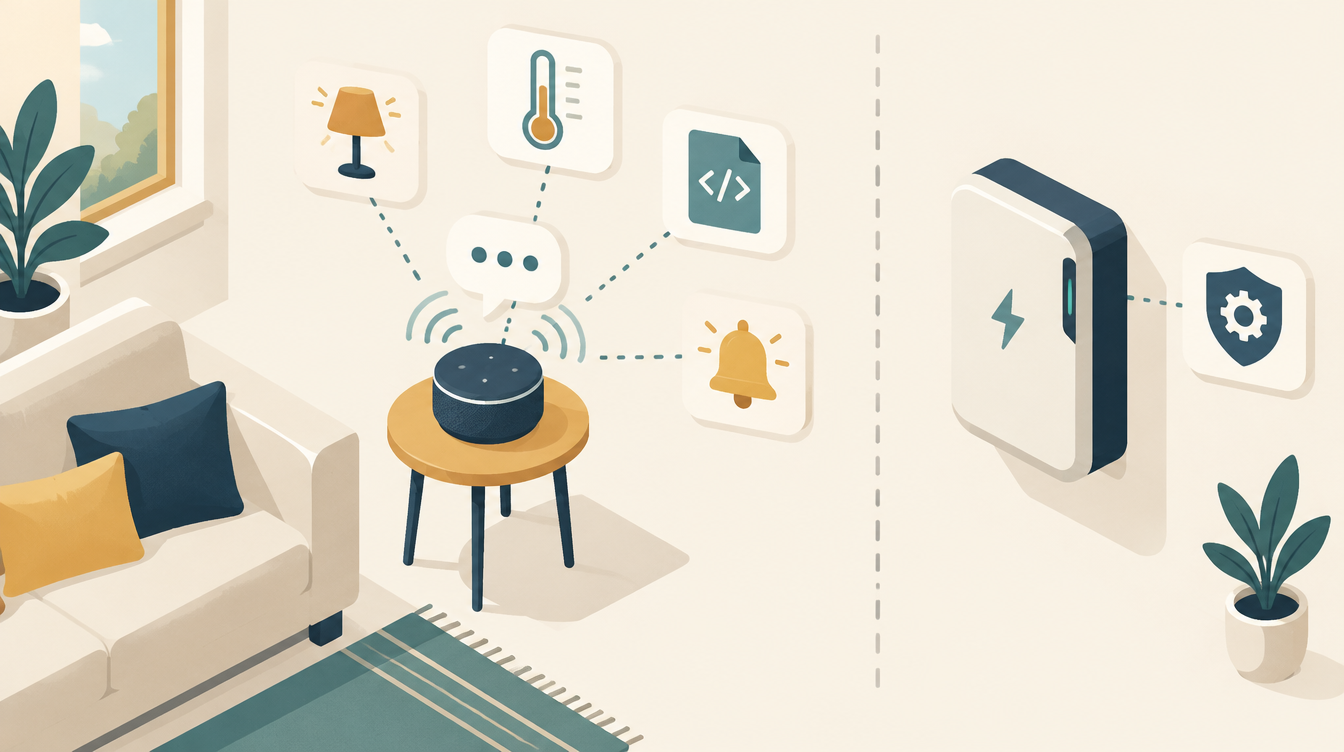
The Home Assistant Voice Preview Edition is Home Assistant’s own voice assistant: a small box that listens, passes your question to Home Assistant and gives an answer. Not a Google Home or Alexa that sends everything to their own cloud, but a device that talks to your own system. I bought one, installed it and connected it to Gemini and ChatGPT. In this review you will read what it can do, how to set it up and what my experiences are.
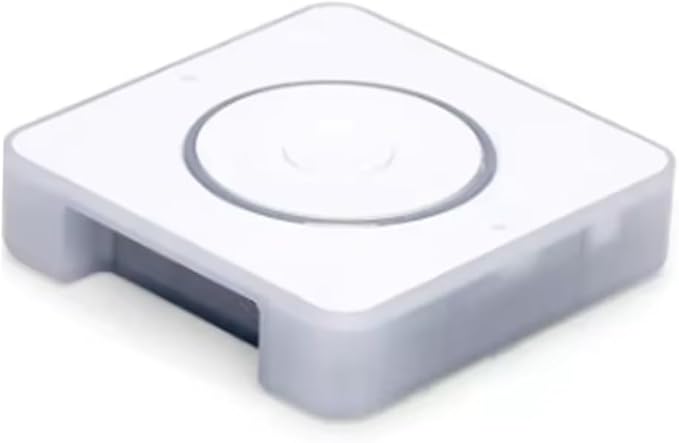
What is the Home Assistant Voice Preview Edition?
The Voice Preview Edition (Voice PE) is made by Nabu Casa, the company behind Home Assistant. The word Preview is meant honestly: according to the makers it cannot yet match the big assistants from Google or Amazon. But it is open, can be used locally and can be set up entirely the way you want.
The hardware
- Two microphones with a separate audio chip (XMOS) for echo cancellation, noise suppression and automatic gain. This means it hears you even when music is playing.
- A built-in speaker for answers and timers, and a 3.5 mm output for an external speaker. Music only plays through that output.
- A rotary dial with LED ring for volume and status, and a button to start a conversation or stop a timer.
- A physical mute switch that cuts the power to the microphones. So off really is off.
- ESP32-S3 with ESPHome, 2.4 GHz Wi-Fi and Bluetooth. The firmware is open source, and there is a Grove connector for your own sensors.
- Power via USB-C (5 V, 2 A). A charger and cable are not included.
What can it do?
- Control devices: lights, switches, thermostats, fans and anything you expose to the voice assistant in Home Assistant.
- Timers and the shopping list, without needing an app.
- Questions about your house: “How warm is it upstairs?” or “How full is the battery?”, as long as those sensors are available to the assistant.
- Free-form questions via a language model, such as Gemini or ChatGPT. Then you can simply talk, instead of using fixed phrases.
The wake word runs locally on the device itself. You choose from “Okay Nabu”, “Hey Jarvis” and “Hey Mycroft”.
How a voice command flows
In Home Assistant a voice command goes through a pipeline with four steps. For each step you choose who does it:
- Wake word: the device hears “Okay Nabu” and starts listening.
- Speech to text: your voice becomes text.
- Conversation agent: the text is understood and carried out. That can be Home Assistant’s built-in Assist, or a language model.
- Text to speech: the answer is spoken back.
For speech recognition you have three options:
| Option | What it is | For whom |
|---|---|---|
| Home Assistant Cloud | Speech is processed via Microsoft Azure, according to Nabu Casa without your data being stored | Those who want good Dutch recognition without heavy hardware |
| Whisper (local) | Entirely in-house, but needs computing power: at least an Intel N100-class processor | Those who don’t want to send anything outside |
| Speech-to-Phrase (local) | Lightweight, but only understands fixed phrases for your home | Those who only want simple commands |
My setup
Installation was easy. After plugging it into USB-C, Home Assistant found the device by itself, and a wizard helped with Wi-Fi, the wake word and the assistant. After that it was a matter of choosing what the pipeline should look like.
- Speech to text and text to speech: Home Assistant Cloud. It recognises Dutch well and has a natural Dutch voice.
- Conversation agent: I connected and tried both Google Gemini and OpenAI ChatGPT.
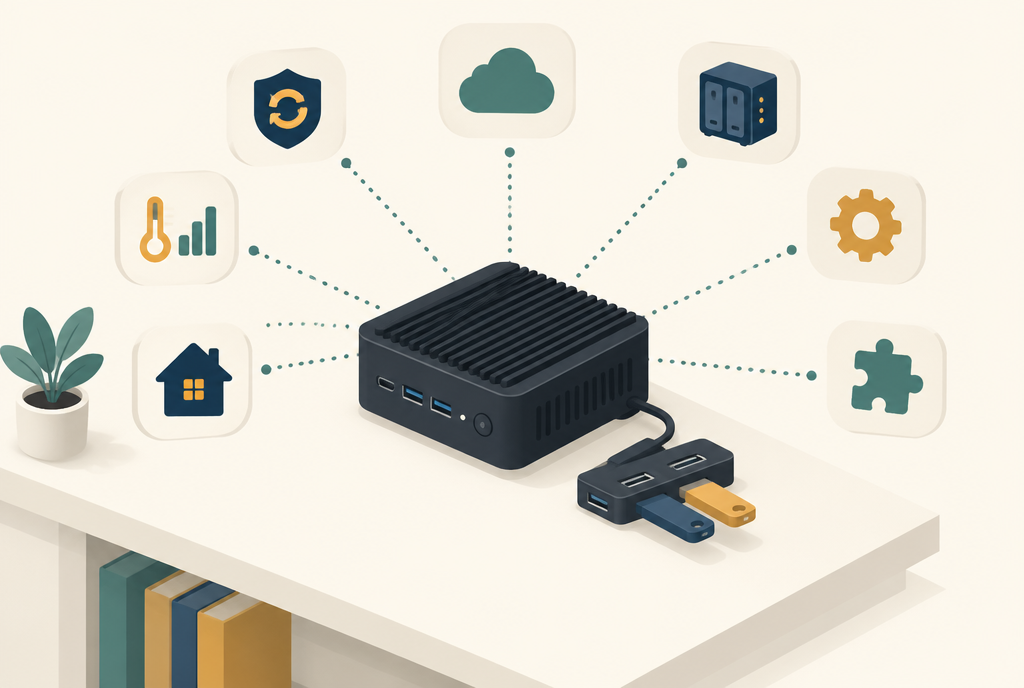
- Server: everything runs on my MeLE Quieter 4C. See What is Home Assistant?
Connecting Gemini and ChatGPT
You add both as an integration in Home Assistant, and then choose them as the conversation agent in your voice assistant:
- Request an API key. For Gemini via Google AI Studio, for ChatGPT via the OpenAI platform. Note: a ChatGPT Plus subscription doesn’t count. The OpenAI API works with separate, prepaid credit.
- Add the integration: Google Generative AI for Gemini, OpenAI for ChatGPT, via Settings → Devices & services.
- Give the model access to Home Assistant in the integration’s options. Without that access it can talk, but not control anything.
- Choose it as the conversation agent under Settings → Voice assistants.
Two tips that make a big difference:
- Turn on “prefer handling commands locally”. Then Assist handles the simple commands itself first, such as “turn on the lamp”. Only what Assist doesn’t understand goes to the language model. That is faster, cheaper and more reliable.
- Only expose what is needed. Under Voice assistants → Expose you decide which devices the assistant sees. My battery and inverter settings are not among them: only my translator controls those.
Gemini and ChatGPT are the voice of the house here. Want a language model to help think about your automations too? Then read Claude AI in Home Assistant, about the official Anthropic integration.
My findings
My main experiences so far:
- Dutch via Home Assistant Cloud works well. Ordinary Dutch sentences are recognised reliably, even without choosing exactly the right words.
- Naming is the most important thing of all. Commands work best when every entity has a clear name. Recognising your voice is rarely the problem; it mainly goes wrong when the assistant doesn’t know which device you mean.
Tip: give your entities names you say out loud
- Name them the way you pronounce them. “Living room lamp” works,
light.hue_color_lamp_2doesn’t. - Make names unique. Three devices all called “Lamp” confuse the assistant. Put them in the right area, or give them their own name.
- Use aliases for nicknames. In Home Assistant you can add extra names per entity, so that both “the boiler” and “the hot water” work.
- Expose less. The fewer devices the assistant sees, the fewer mistakes it can make.
Beta: new speech recognition in Home Assistant Cloud
At the moment I am testing a new speech recognition that Nabu Casa offers as a beta in Home Assistant Cloud. According to Nabu Casa it handles accents, background noise and languages other than English better. For Dutch that could be a big improvement.
While the beta is on, your speech is processed by Soniox instead of the current provider. The audio goes through a Nabu Casa proxy, which forwards it to the nearest processing centre. Nabu Casa says it does not process, store or log the audio itself. The rest of the pipeline stays the same, and you can switch the beta off again at any time. I will write here how it works out in practice as soon as I have enough experience.
Privacy
The wake word listens locally: until you say “Okay Nabu”, nothing leaves the house. With the mute switch the microphones are physically off. After that it depends on your choices: with Home Assistant Cloud your speech goes via Azure, or via Soniox if you turn on the beta. With Gemini or ChatGPT the text of your question, plus the state of the exposed devices, goes to Google or OpenAI. If you don’t want that, everything can also be done locally, with Whisper and Assist or a local language model.
Limitations
- It is a preview. It is not yet as smart or smooth as Google Home or Alexa.
- Music only via an external speaker on the 3.5 mm output. The makers recommend Music Assistant.
- Only 2.4 GHz Wi-Fi, and indoor use only.
- Language models are experimental in Nabu Casa’s own words: sometimes they make up an answer or carry out a command differently than intended.
What I use
- Home Assistant Voice Preview Edition: view on Amazon. The voice assistant itself.
- MeLE Quieter 4C mini PC: view on Amazon. My Home Assistant server.
- Home Assistant Cloud: Nabu Casa subscription for speech recognition, voice and remote access.
This article contains affiliate links. As an Amazon Associate I earn from qualifying purchases. The price stays the same for you.
This works in my situation: a Home Assistant Voice Preview Edition with Home Assistant Cloud, Gemini and ChatGPT, on a MeLE Quieter 4C. Menus, models and prices of the language models change quickly. Check it against your own documentation.
Leave a Reply