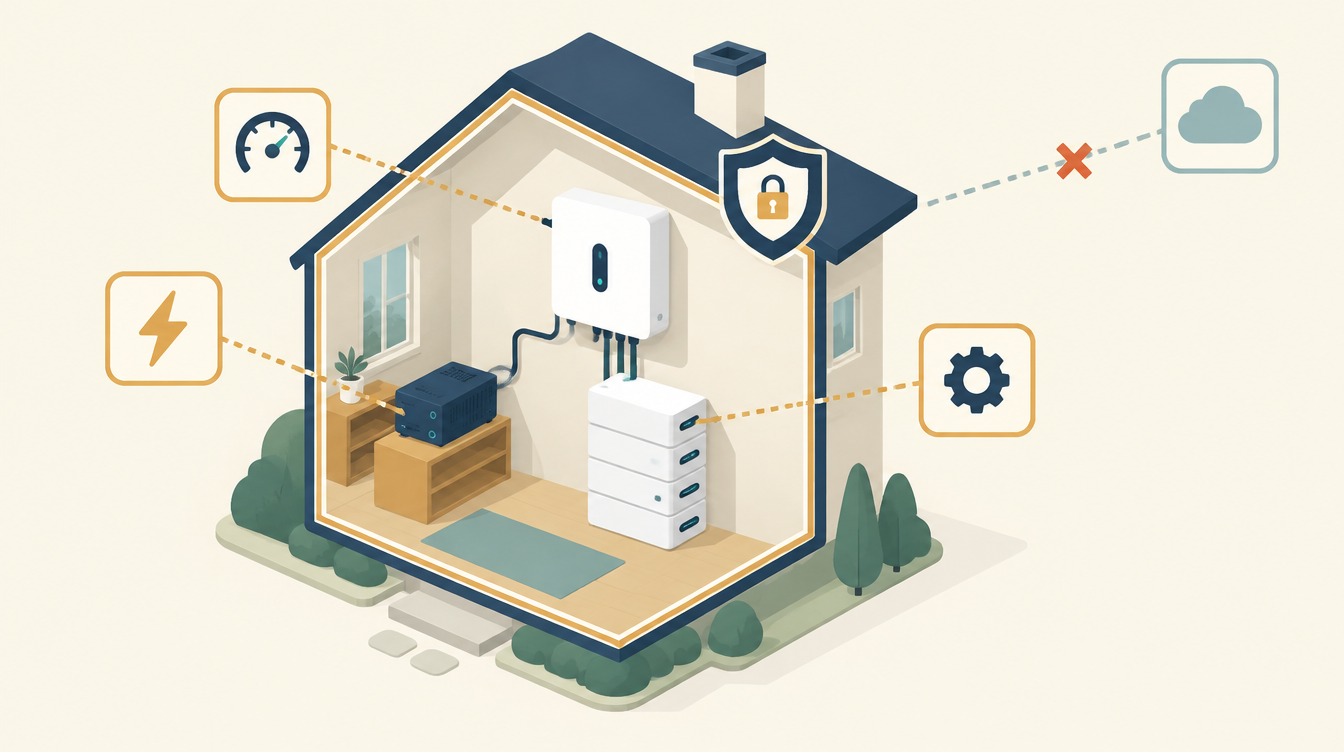
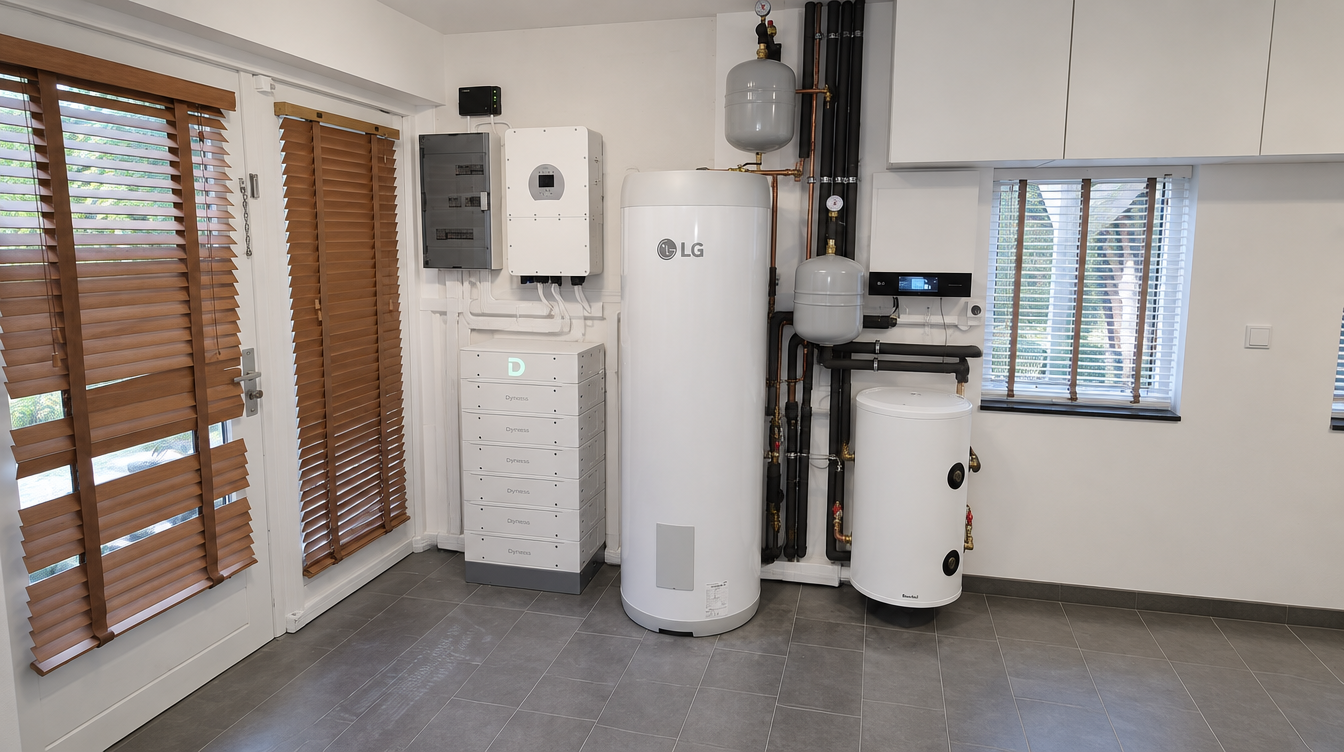
Like many modern home batteries, my 30.7 kWh Dyness Stack 100 can be monitored and controlled through a cloud app. For the Deye inverter it is connected to, that means data and commands running through Deye Cloud or Solarman. I deliberately don’t do that. In Home Assistant I control the Dyness Stack 100 fully locally, via Modbus. In this article you can read why, and what that means in practice.
How the rest of the system fits together, with EMHASS, the translation layer to the inverter and the heat pump, is described in EMHASS and Deye: controlling a home battery on quarter-hour prices. This article is about one choice: local or cloud, for the battery control itself.
What the cloud route involves
Like many manufacturers, Deye offers a cloud platform: Deye Cloud, often via Solarman. With it you can monitor remotely and sometimes control as well. That is convenient: insight from anywhere, no infrastructure of your own, a ready-made app. But it comes with three things I don’t want in my setup.
- An external party in the chain. Deye and Solarman are Chinese companies, and your data and commands run through their servers. For monitoring only, many people find that acceptable. But for a system that decides every day when my battery charges and discharges, I don’t want to depend on an external party, wherever it is based.
- An extra link that is not in the house. A command via the cloud goes to a server, and from there to the inverter. That depends on your internet connection and on that service. If the cloud goes down, or the manufacturer changes something in the protocol, you lose control over your own device. In the community there are reports that firmware updates for some loggers have closed off local access, in favour of the cloud.
- Less control over the behaviour. The app works with the fixed modes the manufacturer offers. If you want something specific, such as controlling on quarter-hour prices with your own safety layer, you quickly run into the limits of the app.
What I do instead: local control via Modbus
Home Assistant talks directly to the Deye inverter, via Modbus RTU over an RS485 cable. On the Home Assistant side there is a USB-to-RS485 adapter; the Sunsynk add-on reads and writes the Deye’s registers. The Dyness gets its instructions from the inverter, via the BMS link between battery and inverter.
EMHASS (plan, every quarter hour)
   │
   ▼
Translator in Home Assistant (the only writer)
   │  Modbus RTU via USB-RS485
   ▼
Deye inverter ── BMS link ──> Dyness Stack 100

No cloud in the control chain.
What that gives me:
- All control stays in the house. No data or commands go to an external server and back. If my internet goes down, the battery control simply keeps working.
- I can see what is happening. Every value I read and every command I send goes through Modbus registers I can inspect myself. No black box, no “just trust the app”.
- One owner per actuator. Exactly one piece of software controls the battery: my own Home Assistant configuration, not a cloud app alongside it as well. Two writers on the same device guarantees conflicts. I learned that when my battery exported itself down from 81 to 25 %: see Deye home battery exports unintentionally.
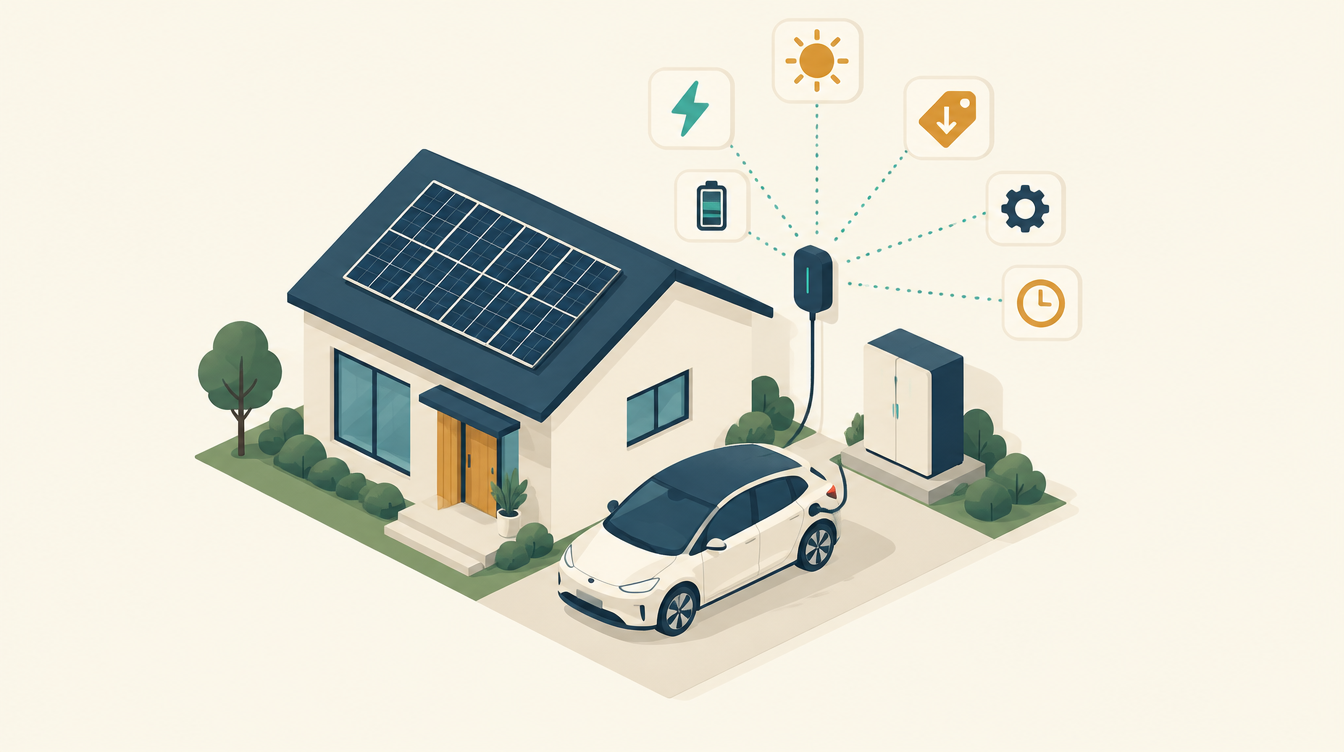
- It fits EMHASS. Every quarter hour EMHASS calculates the best plan; the translator turns that into Modbus write actions on the inverter. A cloud app knows nothing about an EMHASS plan, only its own fixed logic.
What the Dyness Stack 100 in Home Assistant looks like in practice
Through the Deye, Home Assistant reads the battery’s key values: state of charge (SoC), voltage, current, power and temperature. Over the same connection the translator controls the inverter: the time slots, the charge and discharge current, the SoC target and the choice between Zero Export and Allow Export. Those instructions come straight from the EMHASS plan.
The result: the same as the cloud app, insight and control, but local, without a third party, and with my own rules added:
- a safe mode when the plan is older than 45 minutes: Zero Export, no grid charging, the battery only covers the house;
- dead bands of 2 A, 2 % and 250 W, so the inverter doesn’t get a new command for every small difference;
- control on the current quarter-hour prices instead of a fixed mode;
- no run without a real SoC: after a restart EMHASS waits until the battery level is a real number.
Two things I learned along the way about Modbus itself: give each bus its own adapter (two integrations on one adapter gives Errno 11), and keep an eye on whether the connection is still alive, because frozen values don’t produce an error message.
What you need to weigh up yourself
This is not a call to never use a cloud app. For monitoring only, the bar is much lower: then you share read data, not control over your device. But if you want to automate seriously on prices, sun and consumption, then in my experience local Modbus access is the only way to:
- not depend on a third party for something that has to work every day;
- see and understand exactly what is happening, and why;
- add your own safety logic, instead of relying on what the manufacturer offers.
What the translator and the link with EMHASS look like in detail, with all the rules that stop things going wrong, is described in EMHASS and Deye. The incidents that led to this approach are on Lessons from practice (in Dutch).
Local control is about control. I wrote separately about safety in the physical sense, such as insurance and smoke alarms near the battery: home battery and fire safety.
What I use
- Waveshare USB-to-RS485 adapter: the local connection between Home Assistant and the Deye.
- MeLE Quieter 4C mini PC: Home Assistant and EMHASS run on this.
This article contains affiliate links. As an Amazon Associate I earn from qualifying purchases. The price stays the same for you.
This works in my situation: a Dyness Stack 100 on a Deye inverter, controlled via Modbus RTU from Home Assistant. Modbus access and protocol support differ per manufacturer and per firmware version. Check it against your own documentation before relying on it; leave work on 230/400 V to a qualified electrician. Status: October 2026.
Leave a Reply