
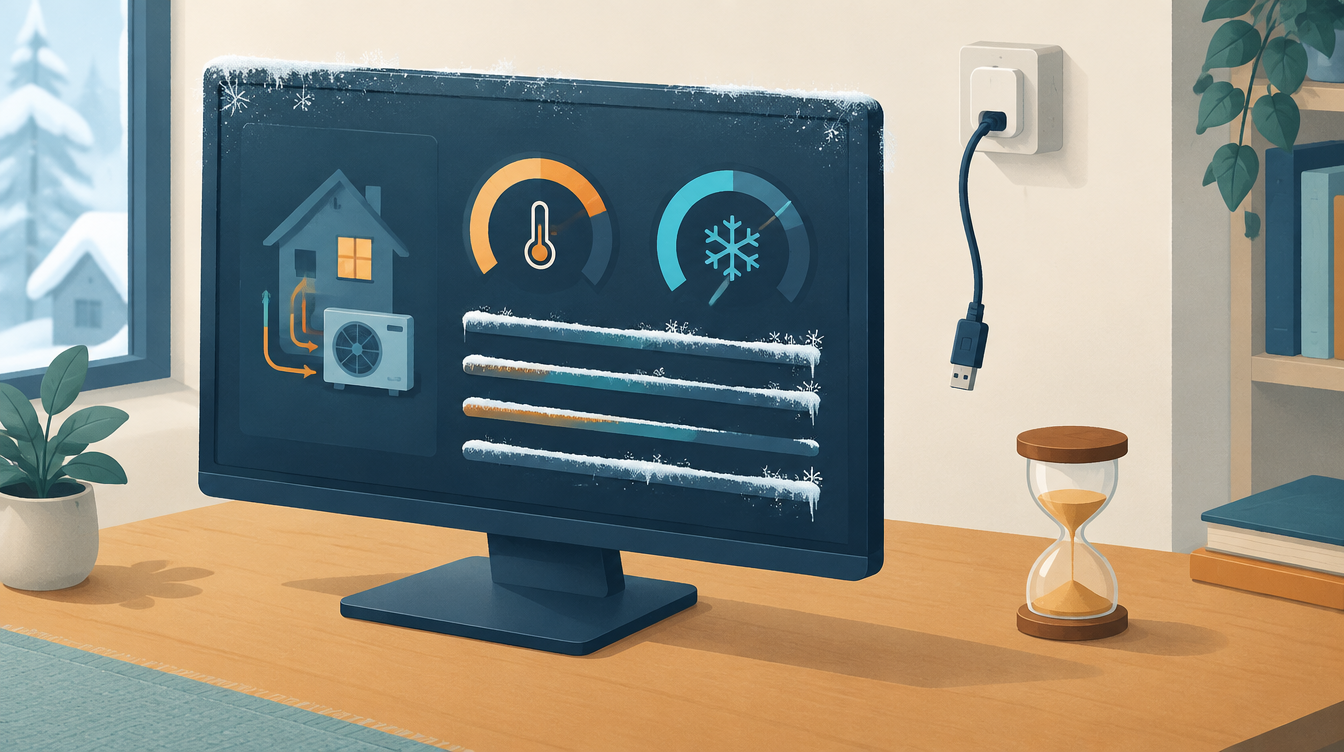
From 30 September to 2 October my heat pump seemed to work normally in Home Assistant. Temperatures, flow rate, status: everything had a value. Only when I put two graphs side by side did I see that those Modbus values had been frozen in Home Assistant for three days.
What happened
An update of my Modbus package set the LG’s serial port back to the Deye inverter’s USB adapter. That adapter was taken, so the LG was no longer being read. Home Assistant kept showing the last known values. On the dashboard everything looked normal; you had to know where to look.
Why this is dangerous
Automations that act on these values are then acting on a snapshot that is days old. A hot water automation sees a hot tank that cooled down long ago. A COP calculation counts heat that was never delivered. “No error” is not the same as “connected”.
The fix: monitoring frozen Modbus values in Home Assistant
- The port in one place. The adapter’s path is in
secrets.yaml, on the fixed/dev/serial/by-id/path. A package update can then no longer quietly overwrite it. See also Errno 11: exclusively lock port. - A sensor that reports whether the connection is alive. A binary sensor is only “on” if a Modbus value has been reported in the last 2 minutes.
- Automations that wait for it. Without a connection, the room thermostat in Home Assistant does nothing, and calculations stop counting.
An example of such a sensor, as a template. Pick a sensor that is reported on every poll; with last_reported a report with the same value counts too:
template:
  - binary_sensor:
      - name: wp_modbus_verbonden
        device_class: connectivity
        state: >
          {% set s = states.sensor.hp_outside_temp_2 %}
          {{ s is not none and (now() - s.last_reported) < timedelta(minutes=2) }}
A template recalculates on every state change and at least once a minute because it contains now(), so the sensor flips within a few minutes when the bus goes quiet. Check the name of your own sensor and whether your Home Assistant version knows last_reported.
What I do differently now
For every integration that runs on a bus or network connection, I first build a connectivity sensor, and only then dashboards and automations. More about the heat pump: Heat pump via Modbus. All incidents: Lessons from practice (in Dutch).
These values apply to one installation. Check them against your own documentation; leave work on 230/400 V to a qualified electrician.
Leave a Reply