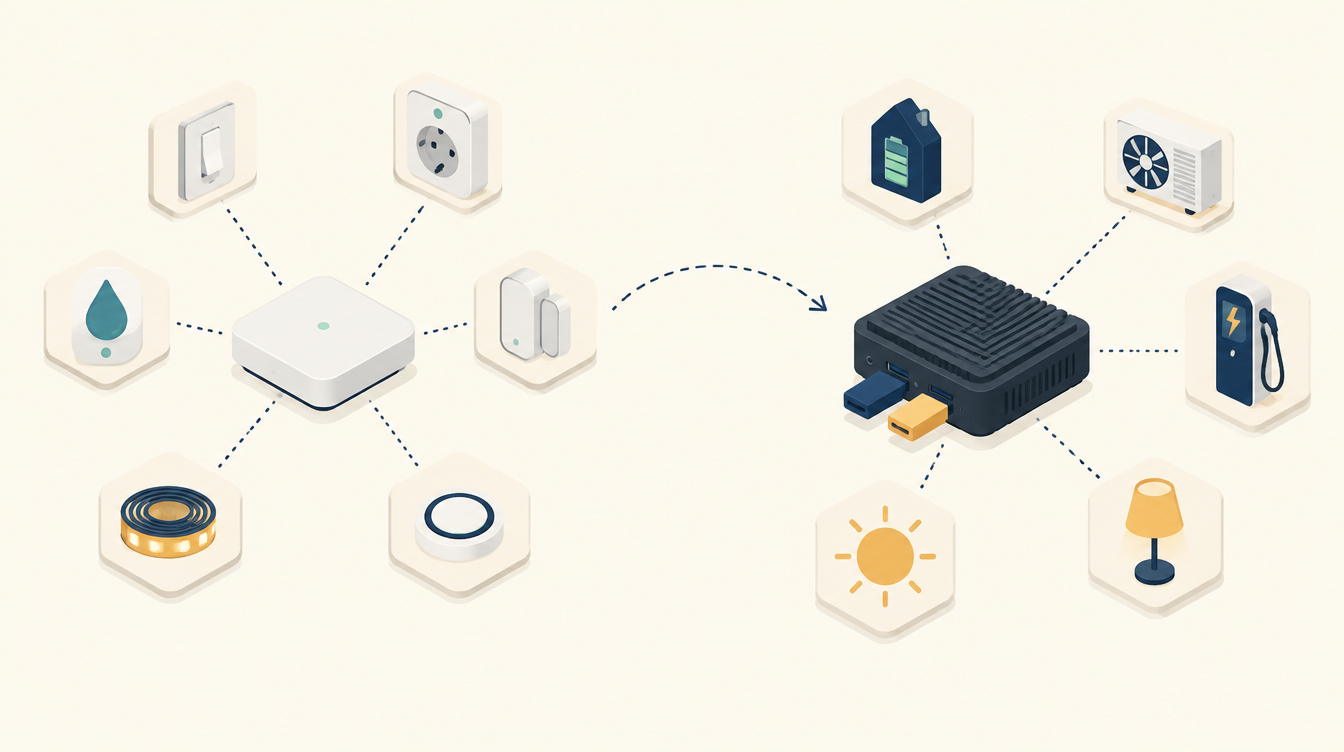
About fifteen years ago I started with home automation, using a Fibaro Home Center 2. Later came the Home Center 3. Today everything runs on Home Assistant. In this post I explain how the move from Fibaro to Home Assistant went: which Fibaro devices I had, why I switched, what hardware it took and how I did it step by step. And my advice: who is Fibaro still a good choice for?
How it started: the Fibaro Home Center 2
Fibaro makes a hub (the Home Center) and the devices that connect to it. Those devices speak Z-Wave: a wireless protocol on 868 MHz that gets through walls and floors well. You buy a hub, add devices, and create scenes in the app or the web interface. Everything from one brand, and it works.
That was exactly why I started with it. I wanted to switch lights, get alerts about water on the floor and see whether doors were closed. That is what Fibaro is made for, and it is good at it.
The Home Center 3
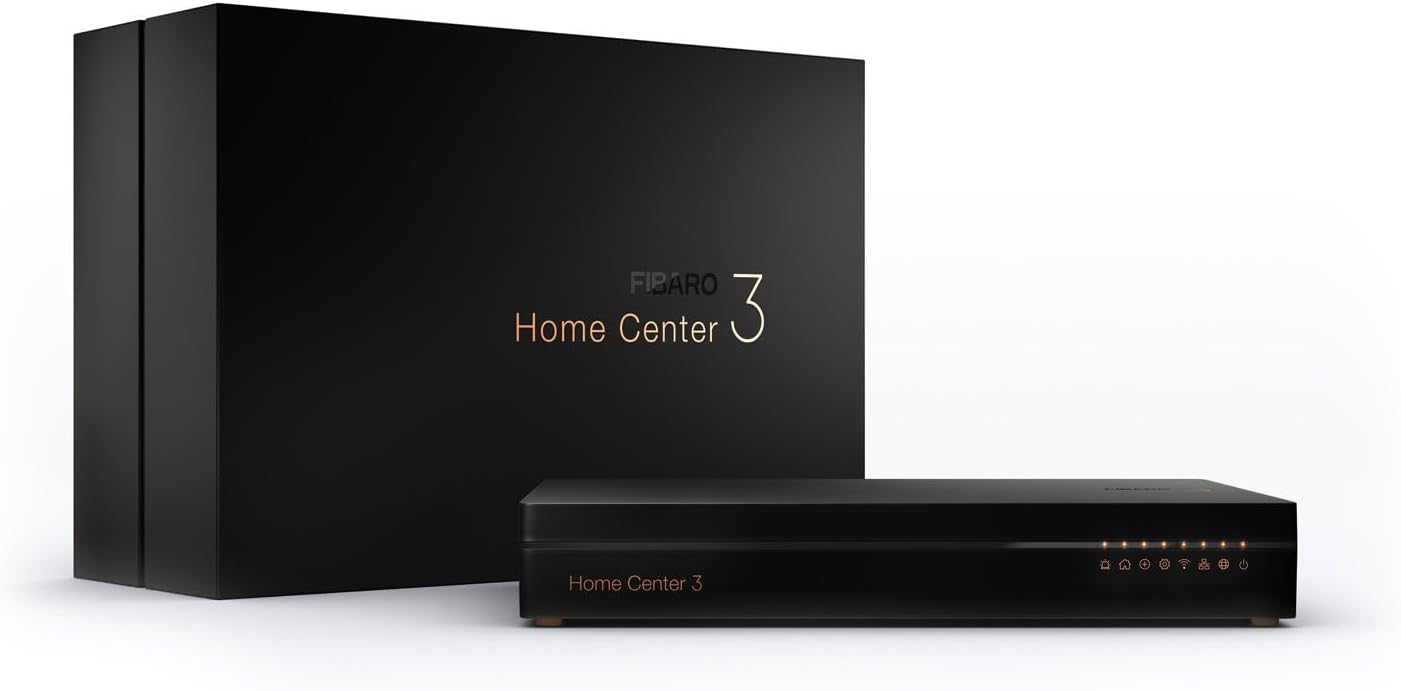
Later I moved to the Fibaro Home Center 3. It is faster and more modern than the HC2, with a newer interface. My devices came along. If you have fewer devices, there is also the Home Center 3 Lite: a smaller, cheaper version.
The Fibaro devices I used
Over the years, all sorts of things were added. These are the Fibaro devices I had in my house.
Double Switch 2: making existing switches smart
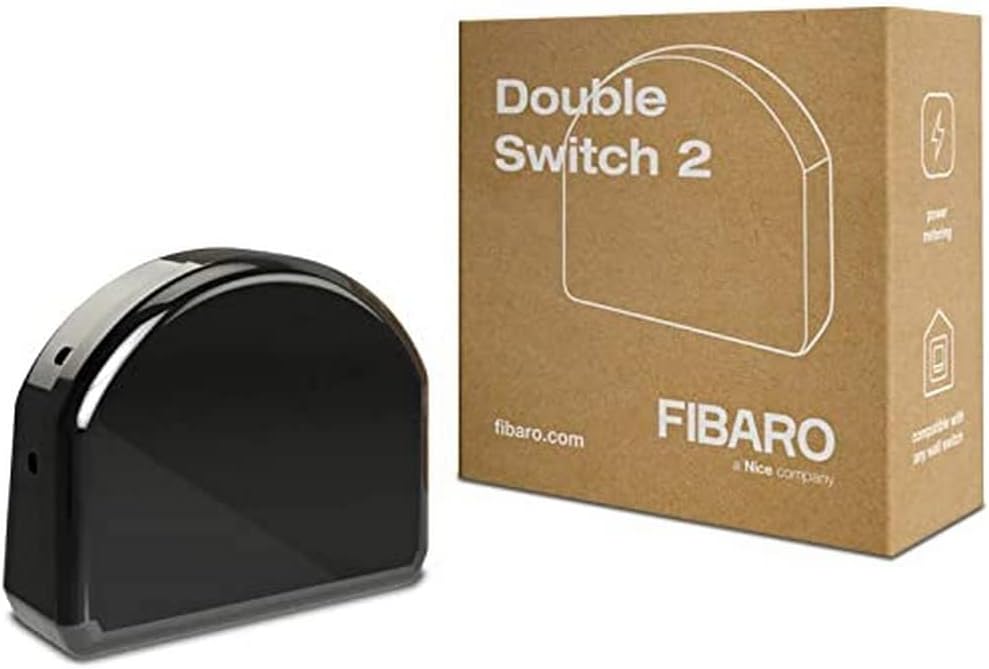
The Double Switch 2 is a relay module that goes in the wall box behind an ordinary switch. You keep your own switch, but the light can also be controlled from the hub. It has two channels, so two lights per module, and it measures consumption. Leave the installation to someone who knows what they are doing: this is work on 230 V.
RGBW Controller 2: controlling LED strips
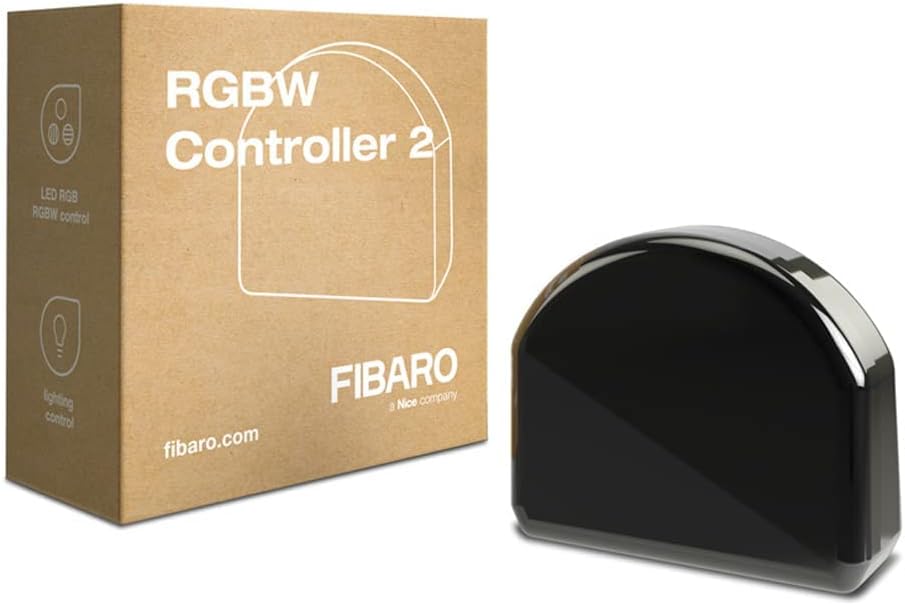
With the RGBW Controller 2 you dim an LED strip and choose its colour. Handy for mood lighting that follows the time of day.
The Button: one button, several scenes
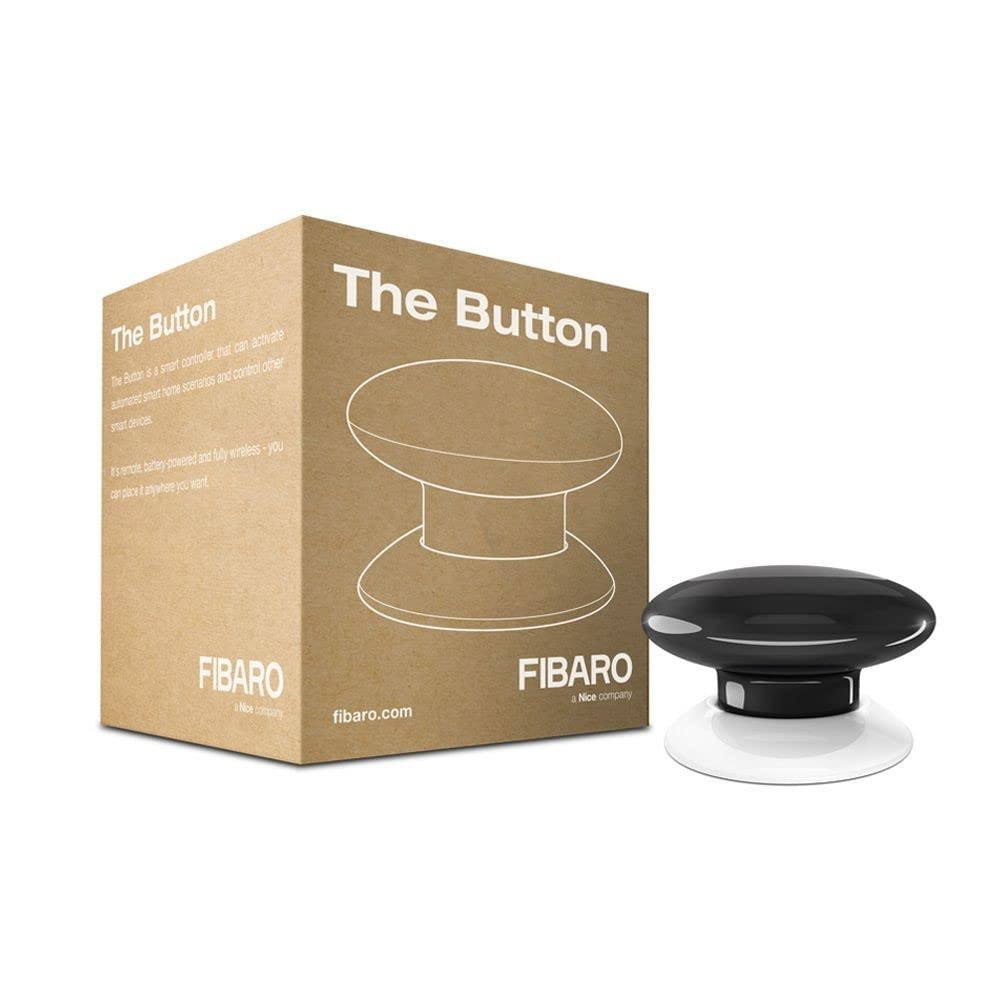
The Button is a wireless, battery-powered push button. You put it wherever you like. Press once, press twice or hold: each action can start a different scene. For example, everything off when you go to bed.
Flood Sensor: water on the floor
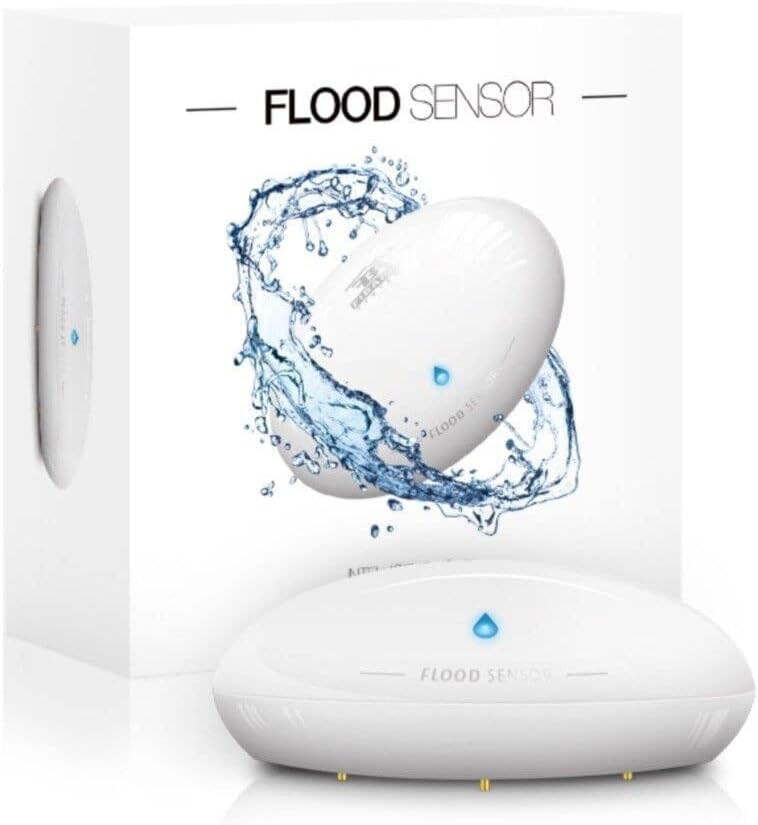
You put the Flood Sensor on the floor, for example next to the washing machine or in the utility room. If the contact points touch water, you get an alert straight away. It also measures temperature.
Door/Window Sensor 2: open or closed
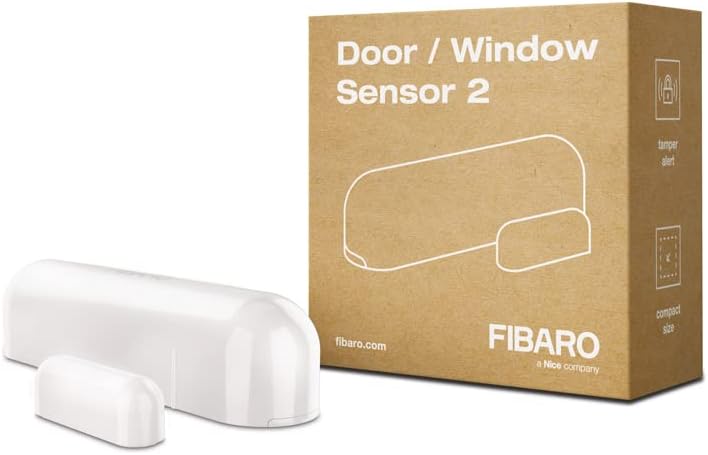
You stick the Door/Window Sensor 2 on a door or window, with the magnet next to it. It reports whether something is open or closed, and also measures temperature. Watch the version: get the Z-Wave version (FGDW-002). There is also a HomeKit variant with Bluetooth, and that one does not work with a Home Center or a Z-Wave stick.
Wall Plug: switching and measuring
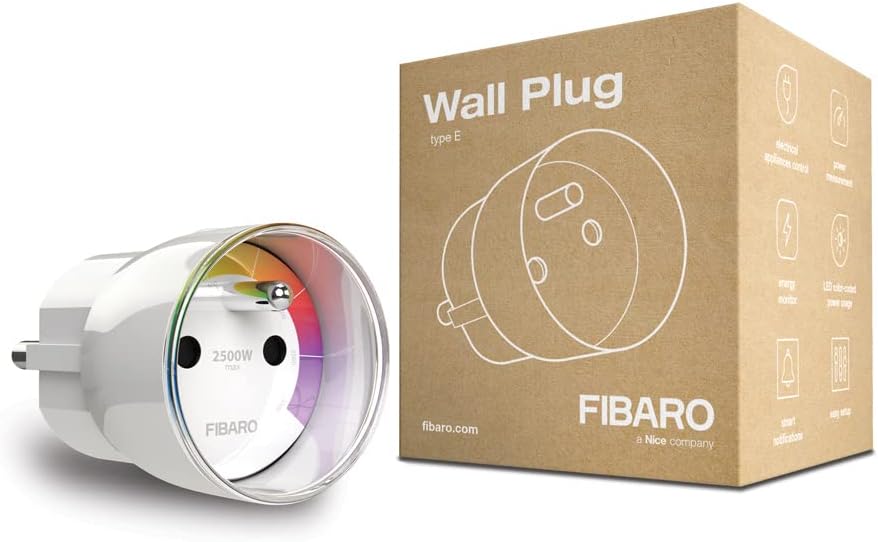
The Wall Plug is a plug-in adapter. It switches a device on and off and measures what it uses. Note: this is type E, with an earth pin in the socket. Most plugs fit, but a plug without a hole for that pin does not.
Why I switched from Fibaro to Home Assistant
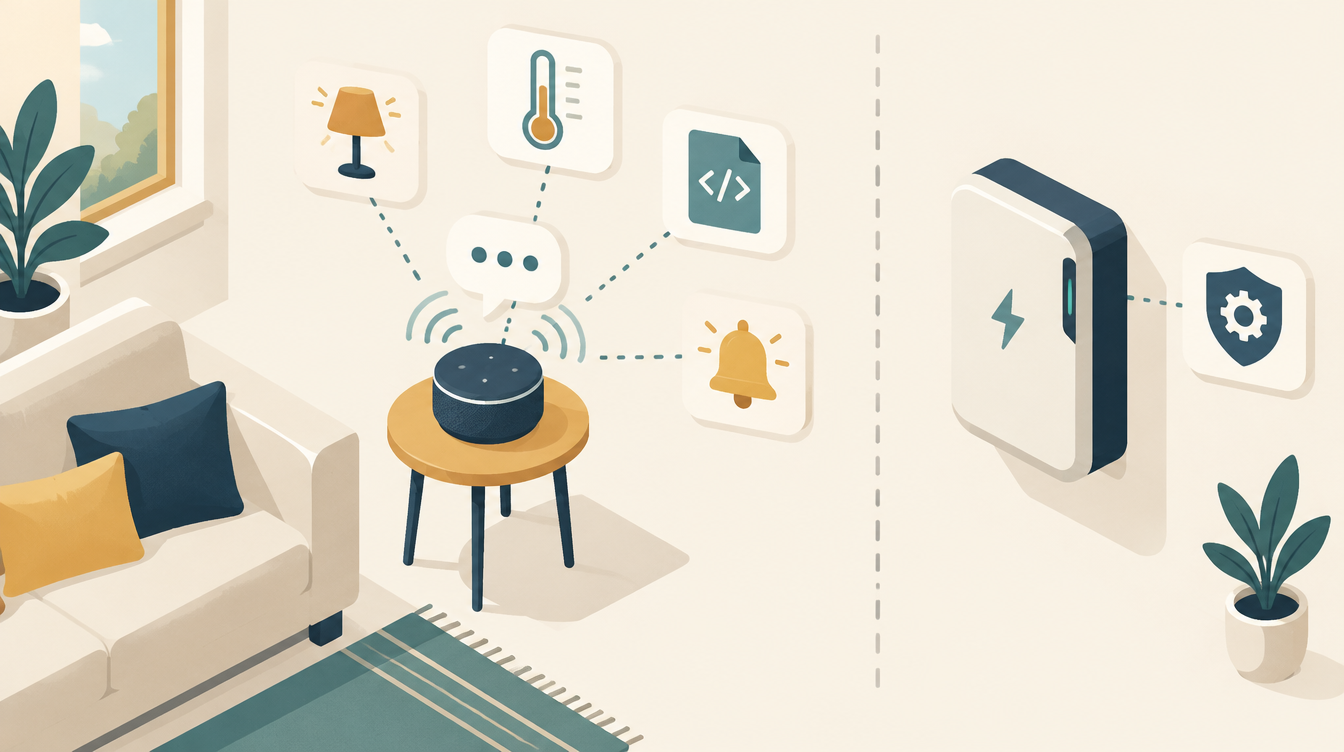
For me, Fibaro hit its limits. For lights, switches and sensors it is fine. But there are few ready-made integrations with other brands and services. And my house became more than lights and sensors: a home battery, a heat pump, an EV charger and a dynamic energy contract were added. I wanted those to work together, and Fibaro gave me too little freedom for that.
In Home Assistant I have much more freedom. There are thousands of ready-made integrations, and what does not exist, you build yourself. The heat pump via Modbus, the home battery via EMHASS, the car via evcc, and also Zigbee devices from all kinds of brands. How it all comes together in my house, you can read on How it works.
The downside: Home Assistant asks more of you. You build the system yourself. You have to enjoy that.
What hardware you need for Home Assistant
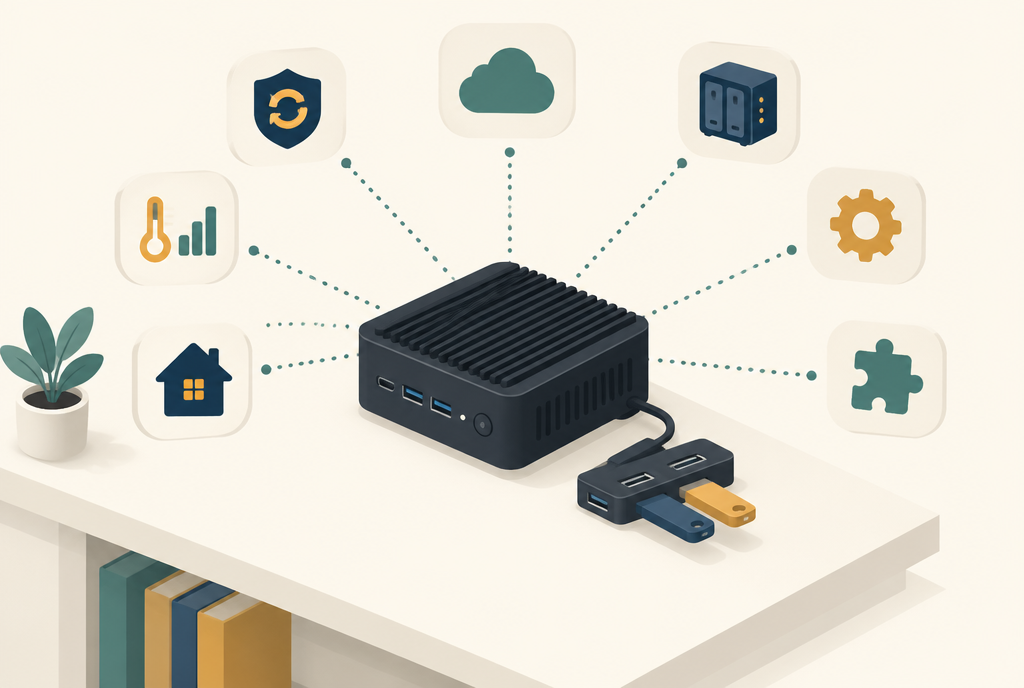
A Home Center is a ready-made box. Home Assistant needs a computer, and for Z-Wave and Zigbee one stick per protocol. This is what I use:
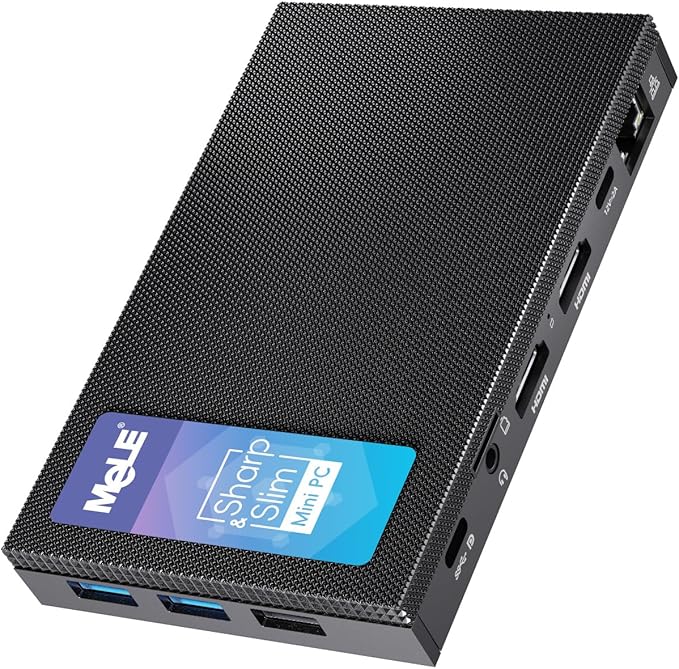
- A mini PC as server. In my case a MeLE Quieter 4C: silent, fanless and energy-efficient. It runs day and night.
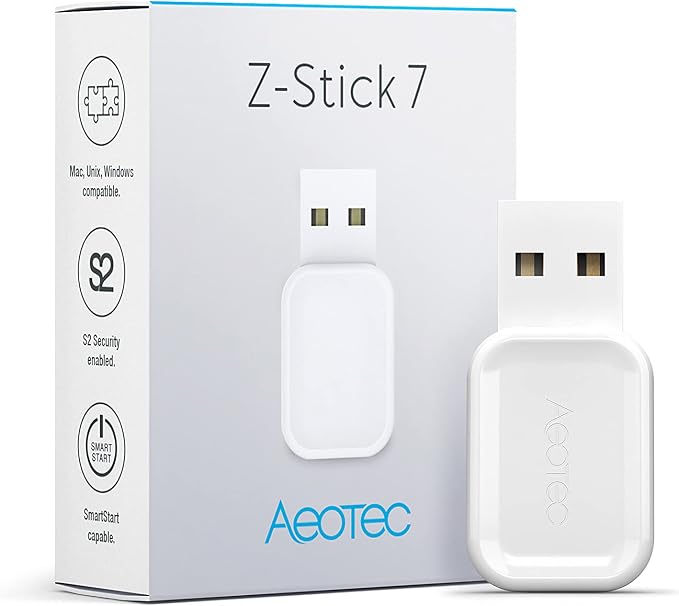
- A Z-Wave stick for the Fibaro devices: the Aeotec Z-Stick 7. Get the EU version (868 MHz).
- A Zigbee stick for Zigbee devices: the Aeotec Zi-Stick.
- A USB hub with a cable, so the sticks hang a little way from the PC. I use a UGREEN USB hub.
You can read more about this setup and configuring Z-Wave JS in Z-Wave in Home Assistant: the Aeotec Z-Stick 7 next to my Zigbee stick.
Don’t want to set up a PC yourself? Then the Home Assistant Green is a good start: a ready-made box with Home Assistant on it. I don’t use it myself, but for beginners it is the easiest way in.
How I switched: the Home Center 3 as a bridge
I did not convert everything in one weekend. At first the Home Center 3 simply kept running, and Home Assistant came alongside it.
- Install Home Assistant on the mini PC, with the sticks in the USB hub.
- Add the Fibaro integration. Home Assistant has an integration for the Home Center. With it, the HC3’s devices appear in Home Assistant while the HC3 still controls them. That let me start building the automations in Home Assistant.
- Move device by device. First remove the device from the HC3 (exclusion), then add it to the Z-Stick 7 via Z-Wave JS. Battery-powered devices need to be woken up for this; the device manual tells you how.
- Switch the automation over to the new Z-Wave device, and clean up the old Fibaro device in Home Assistant.
- Turn off the Home Center once nothing was connected to it any more.
The advantage of this approach: the house kept working the whole time. If something went wrong with a device, it was only one device.
Fibaro and Zigbee side by side
My Fibaro devices still work, now via Home Assistant. They are fine. But for new devices I look more widely. There are cheaper devices on the market, including Zigbee devices, that work just as well and as fast. My irrigation, for example, runs entirely on Zigbee.
I use Z-Wave and Zigbee side by side, and that works fine too. In Home Assistant you don’t see the difference: a light is a light, a sensor is a sensor.
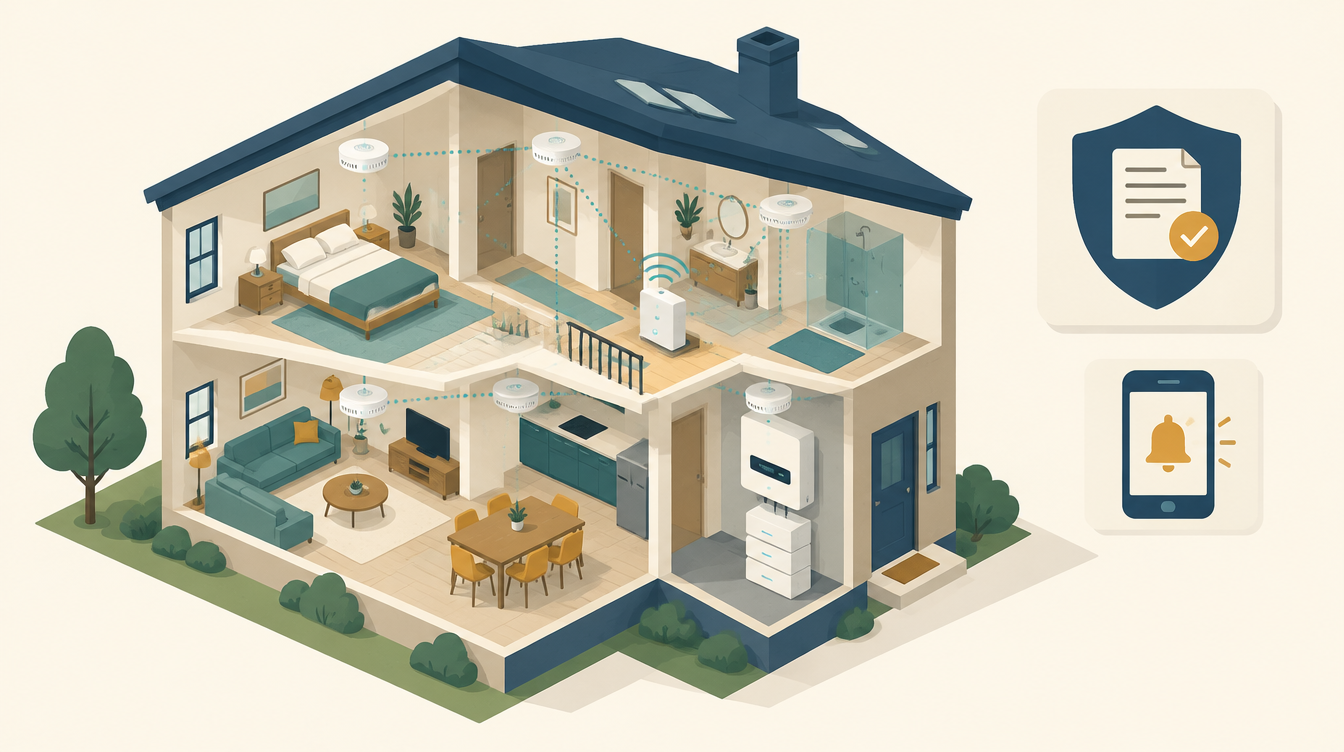
With that mix of Zigbee and Z-Wave, you can do more in Home Assistant than with a Home Center. One example is an alarm system with Home Assistant, with window contacts on Zigbee and a siren on Z-Wave. Our Somfy screens are connected to Home Assistant now too.
My advice: Fibaro or Home Assistant?
- Choose Fibaro if you want to keep things as simple as possible. One box, one app and devices from one brand.
- Choose Home Assistant if you want to connect everything, from lights to home battery, and enjoy building your system yourself.
- Fibaro devices are fine, under Home Assistant too. But for new devices, also look at Zigbee: often cheaper, and just as good.
Frequently asked questions
Do Fibaro devices work in Home Assistant?
Yes. Fibaro devices are Z-Wave devices. With a Z-Wave stick and Z-Wave JS you connect them directly to Home Assistant, without a Home Center. You can also keep the Home Center and connect it via the Fibaro integration.
Do I need to replace my Fibaro devices when I switch?
No. You remove them from the Home Center and add them again to the Z-Wave stick. After that they simply carry on working, alongside your other devices.
Is Home Assistant harder than Fibaro?
Yes, a little. You set up more yourself. In return, you can connect almost anything. Want to know what Home Assistant is first? Read What is Home Assistant?
What I use
- Fibaro Home Center 3: view on Amazon. My Fibaro hub, until the switch.
- Fibaro Double Switch 2: view on Amazon. In-wall relay behind an ordinary switch.
- Fibaro RGBW Controller 2: view on Amazon. For LED strips.
- Fibaro The Button: view on Amazon. Wireless button for scenes.
- Fibaro Flood Sensor: view on Amazon. Water leak detector with temperature sensor.
- Fibaro Door/Window Sensor 2: view on Amazon. Door and window contact with temperature sensor.
- Fibaro Wall Plug (type E): view on Amazon. Plug-in adapter that switches and measures.
- MeLE Quieter 4C mini PC: view on Amazon. My Home Assistant server.
- Aeotec Z-Stick 7: view on Amazon. For the Fibaro and other Z-Wave devices.
- Aeotec Zi-Stick: view on Amazon. For Zigbee.
- UGREEN 4-port USB hub: view on Amazon. Keeps the sticks a little way from the PC.
This article contains affiliate links. As an Amazon Associate I earn from qualifying purchases. The price stays the same for you.
This works in my situation: Fibaro devices moved from a Home Center 3 to an Aeotec Z-Stick 7 with Z-Wave JS, alongside Zigbee via an Aeotec Zi-Stick, on a MeLE Quieter 4C running Home Assistant. Menus, firmware versions and the behaviour of your own devices may differ. Check it against your own documentation.

Leave a Reply